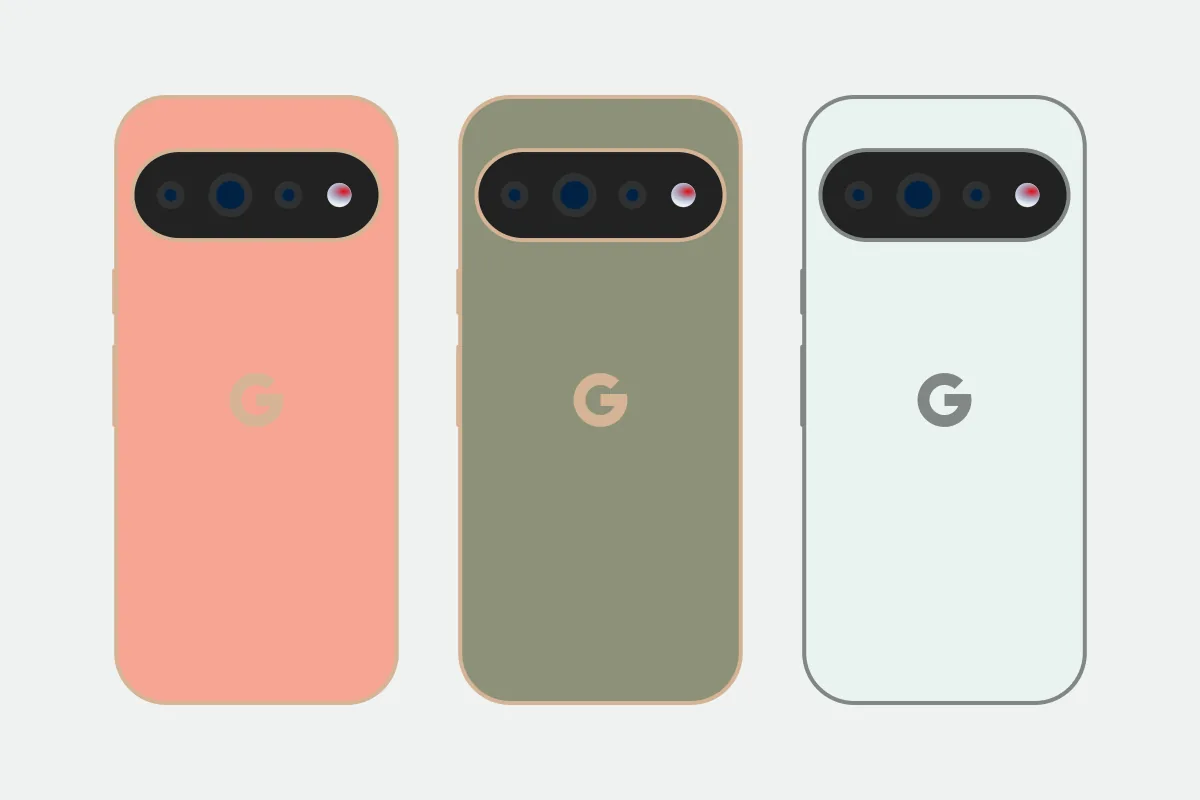
Look at the phone you already own
Before choosing a Pixel storage tier, open Settings > Storage on your current phone. How much is actually used? A phone with 90 GB of files presents a different decision from one that’s already pushing 200 GB.
For the Pixel 11 Pro and Pro XL, the jump to 512 GB also changes the memory configuration: Google lists 12 GB of RAM at 256 GB, then 16 GB at both 512 GB and 1 TB. It identifies the two larger capacities as Zoned UFS (Google Store specifications).
That makes 512 GB the tier to examine closely. Going to 1 TB buys more storage, but no further increase in RAM.
What changes between the three tiers
| Storage | RAM | Google’s storage wording | A reason to choose it |
|---|---|---|---|
| 256 GB | 12 GB | No Zoned UFS claim | Your local files leave plenty of room and you mostly stream |
| 512 GB | 16 GB | Zoned UFS | You keep more games, downloads, or video locally |
| 1 TB | 16 GB | Zoned UFS | You already have a large offline library or record and retain a lot of video |
Google describes Zoned UFS as faster, but doesn’t provide a comparable storage benchmark on that specification page. The configuration change is clear; an app-speed improvement of a particular size isn’t.
The camera system, Tensor G6, update commitment, and listed color choices don’t change with storage. Google lists the same capacities for both Pro sizes (Google’s model comparison).
Leave room for the files you keep
Check what fills your phone before paying to double its capacity. Downloaded games, music, maps, and videos may need to stay available without an internet connection. Other files may be easy to move elsewhere.
A cloud backup doesn’t necessarily remove the local photo or video. Check the local copies before assuming a backup has freed space. For video, look at the size of your own recent clips; that gives you a more useful starting point than a generic recording-time estimate.
As a rough buying guide, 256 GB is worth considering when you’re comfortably below about 180 GB and don’t need the higher-memory configuration. That isn’t a hardware cutoff. If you’re already near 200 GB, leave room for growth, app updates, and temporary files. If you’ve stayed under 100 GB for years, you need a specific reason to pay for 1 TB.
When 512 GB earns its place
512 GB gives you twice the storage of the base tier and the same 16 GB of RAM as the 1 TB version. It suits someone who keeps the phone for several years and wants more room without buying the largest capacity automatically.
Extra RAM doesn’t guarantee a higher frame rate or faster response in every app. Google doesn’t publish a workload-by-workload comparison of these two memory tiers. Treat it as additional memory capacity, then weigh the actual local price difference (Google’s configurations).
When to pay for 1 TB
A large offline media library, lots of installed games, or video you keep on the phone can justify 1 TB. So can a routine that leaves you without reliable cloud access for long periods.
If none of those sounds like your use, 512 GB already reaches the top RAM tier. Compare the two prices in your country’s store before paying for another 512 GB you may leave empty. Availability and premiums can change after launch.
Choose the size afterward
Storage doesn’t force you into the larger phone. The 6.3-inch Pro and 6.8-inch Pro XL share this capacity ladder. Once you’ve chosen storage, compare their physical fit, battery, and charging in our Pixel 11 Pro vs Pro XL guide.
Sources
- store.google.com · checked Google Store US: Pixel 11 Pro and Pro XL technical specifications
- store.google.com · checked Google Store US: compare Pixel 11 phones
- blog.google · checked Google Keyword: Pixel 11, Pixel 11 Pro and Pixel 11 Pro XL announcement
- store.google.com · checked Google Store UK: Pixel 11 Pro configurations