Start with your phone and second device
For an Android phone and a laptop from another brand, look for explicit two-device multipoint support. Multipoint keeps two Bluetooth audio devices connected so you can change sources without reconnecting each time. Samsung Auto Switch moves audio among compatible Samsung devices using its account-based system. The useful feature depends on the two devices you own (Sony’s multipoint explanation, Samsung’s requirements).
Write down the actual combination before shopping: a OnePlus phone and work laptop, two phones, or a Galaxy phone and Galaxy tablet. A feature demonstrated with the last combination may leave the first combination needing manual reconnection.
Paired, connected, and playing mean different things
An earbud’s remembered-device count tells you how many pairings it stores. Its simultaneous-connection count tells you how many sources can stay linked now. Playback behavior tells you which source you hear.
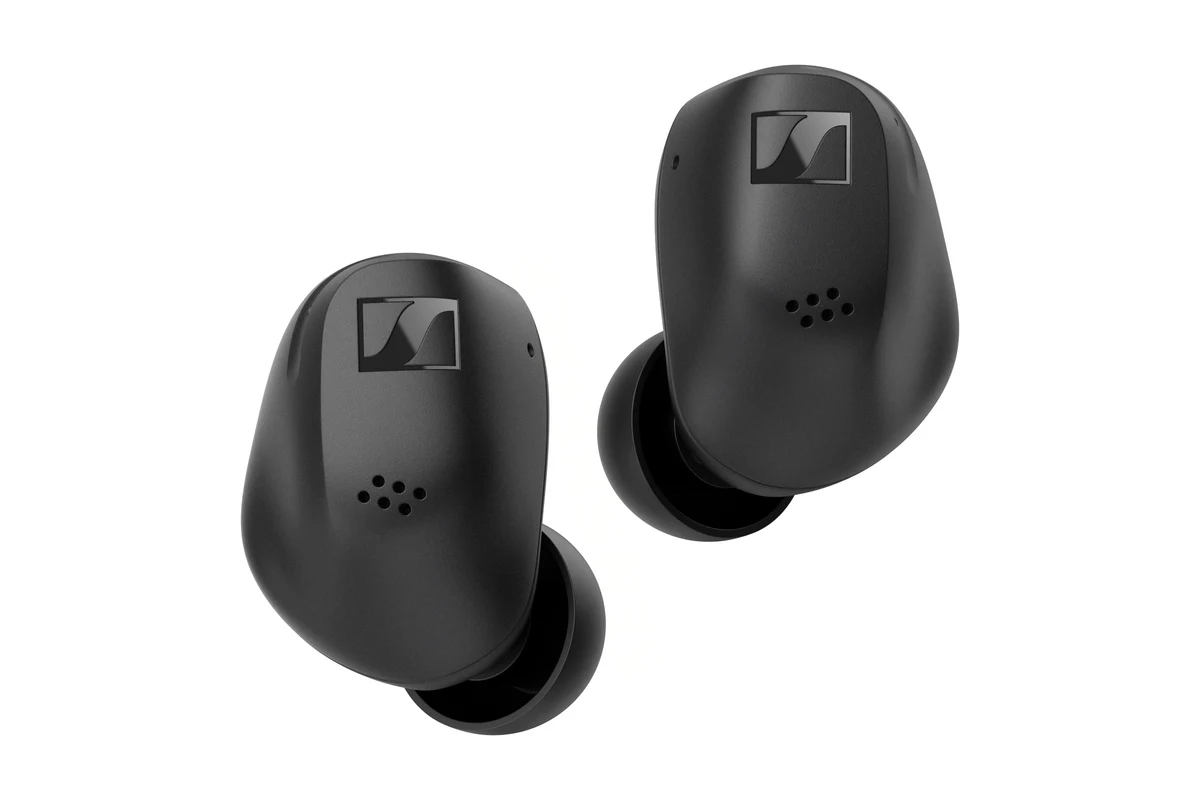
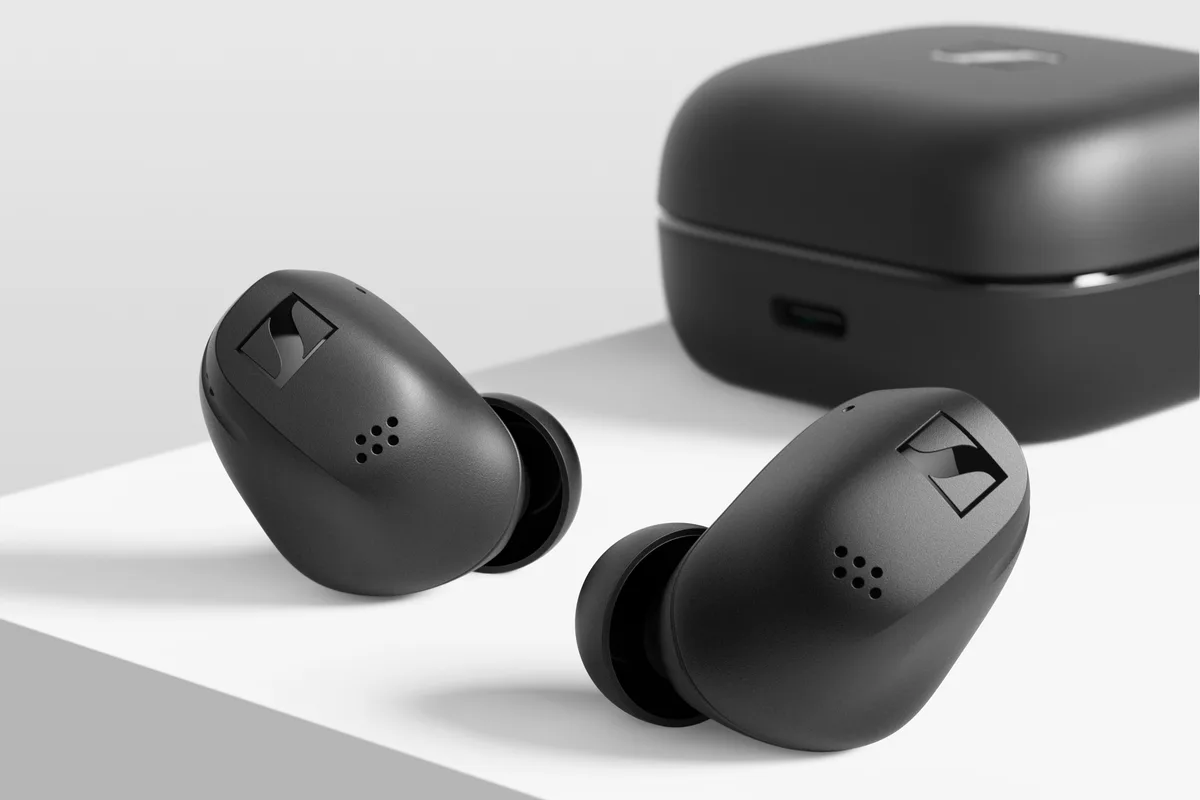
ACCENTUM True Wireless makes the distinction concrete: Sennheiser confirms six remembered Bluetooth devices but two simultaneous connections. Its Smart Control app provides connection management (official FAQ). Six stored pairings therefore do not give six sources equal access at once.
- Remembers several devices: Check how many can stay connected simultaneously.
- Two-device multipoint: Check whether you must enable it and how playback moves between sources.
- Automatic switching: Check which devices, accounts, and software versions are eligible.
Treat those as three separate checks. A Bluetooth version number alone does not answer any of them.
Auto Switch depends on the devices and account
Samsung’s May 2026 support article describes Auto Switch across Samsung phones, tablets, and PCs. It requires the same Samsung account, a previous connection to each device, and the feature enabled. Samsung also cautions that menus vary by model and software (Auto switch Buds documentation).
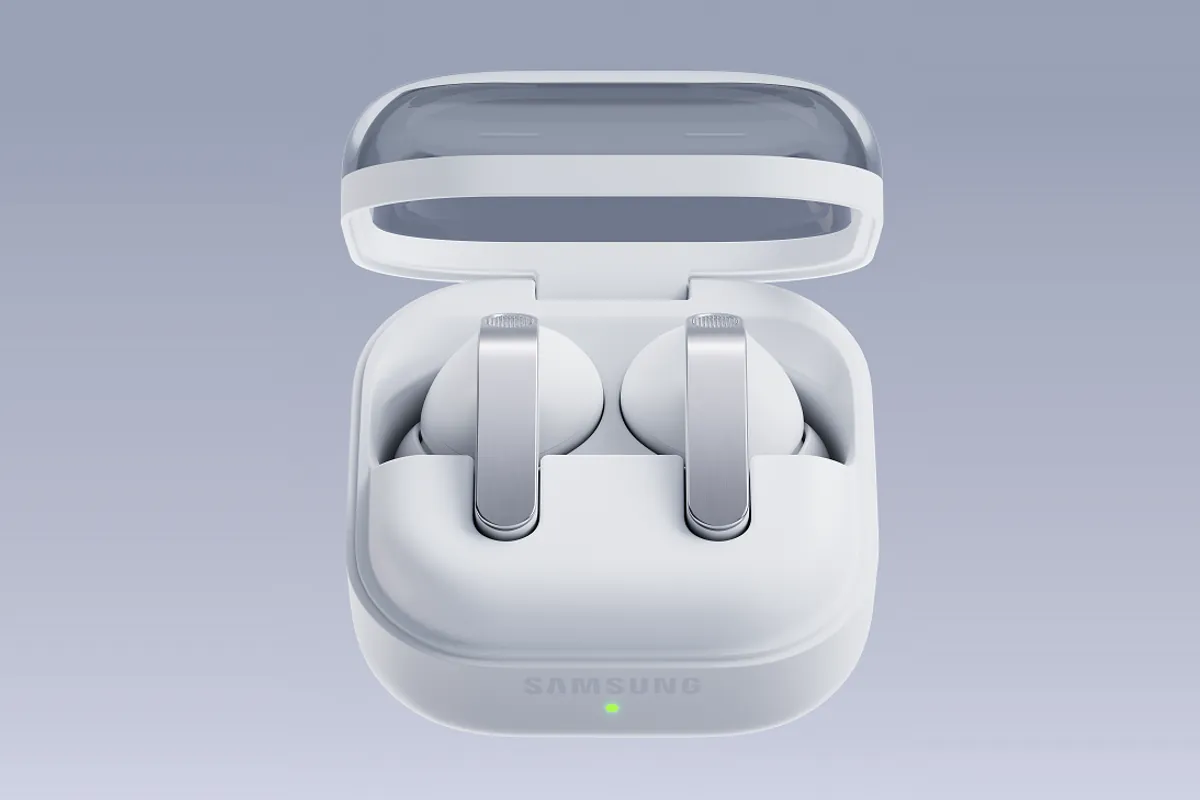
Galaxy Buds4 Pro explicitly lists Auto Switch in its specification table. Samsung separately warns that some features are unavailable on non-Samsung devices (Buds4 series specifications). That listing establishes the Samsung feature; it does not establish general two-device multipoint with an arbitrary Android phone and Windows laptop.
For a Galaxy phone and tablet, check their eligibility together. For a Galaxy phone and a work PC, check the exact PC too: the word “Windows” does not establish Samsung Auto Switch compatibility. If you are also deciding between Samsung earbud designs, the Buds4 and Buds4 Pro guide covers their fit and hardware differences.
Fast Pair and audio switch add another set of requirements
Google’s audio switch works with supported earbuds and Fast Paired Android devices running Google Play Services and Android 8 or later, signed into the same Google account. Google’s documentation distinguishes this from two-device multipoint and allows both features to be enabled together on supported models (Google’s explanation).
A convenient initial pairing screen is therefore only part of the decision. Check the separate requirements for keeping the laptop connected and for moving playback between Android devices. Avoid assuming that every earbud offering Fast Pair also offers the same switching options.
Four sealed-earbud examples from the catalog
These examples focus on sealed earbuds with documented connection features. Open-fit and clip designs involve a different fit choice; over-ear headphones are outside this pool. Selection here is based on the two-device workflow, app access, and explicit manufacturer documentation.
| Earbuds | Connection evidence | Useful buying check |
|---|---|---|
| ACCENTUM True Wireless | Two simultaneous connections; six remembered pairings | Confirm both intended sources connect and appear in Smart Control. |
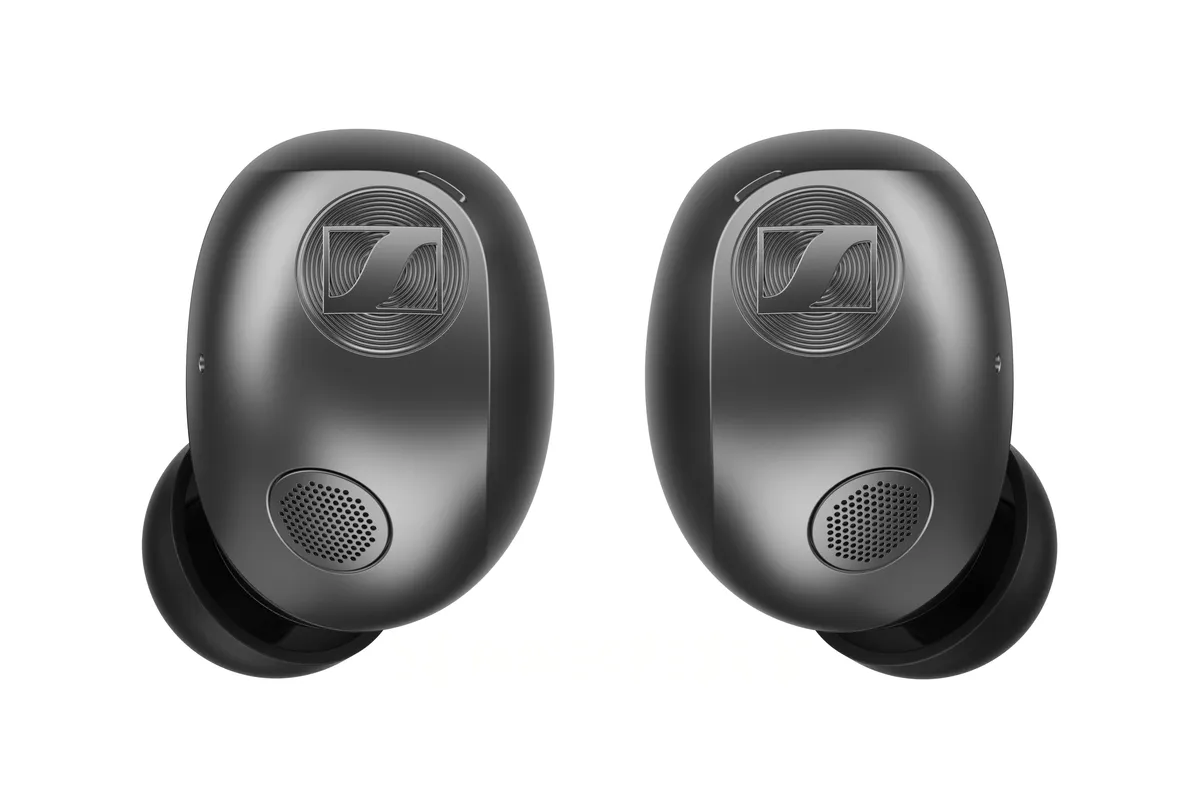
| MOMENTUM True Wireless 5 | Two simultaneous connections; multipoint is off by default | Enable it in Smart Control Plus before evaluating the workflow. |
| Galaxy Buds4 Pro | Samsung lists Auto Switch | Confirm your exact Samsung devices and shared account qualify. |
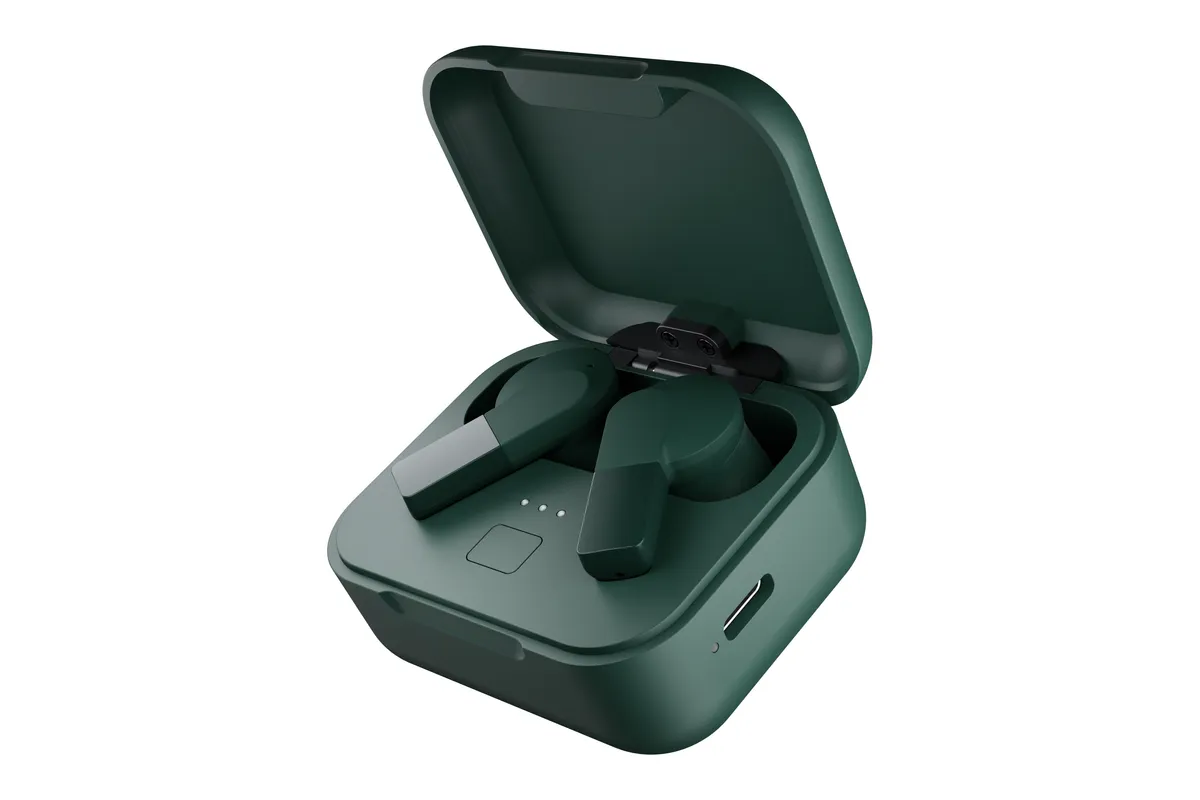
| Fairbuds 2 | Two simultaneous connections; six remembered pairings | Check playback handoff with your own sources; the remembered-device count is not six active connections. |
The connection facts come from the ACCENTUM FAQ, MOMENTUM FAQ, and Samsung specification table.
Fairphone also documents two active connections and six remembered devices for Fairbuds 2. Its European store is selling the earbuds, while its US announcement gives November 2026 availability. Treat it as a forthcoming US option rather than assuming immediate delivery.
For a US budget reference, Sennheiser’s manufacturer stores showed $99.95 for ACCENTUM True Wireless and $299.95 for MOMENTUM True Wireless 5 when checked October 19, 2026 (ACCENTUM store, MOMENTUM store). These are current store quotes, not launch-price comparisons. The higher price does not buy a higher simultaneous-device count in these two examples. Compare their other features separately before spending more.
Two connections still leave playback rules to check
Google’s supported-earbud guidance says ongoing music or video needs to be paused before media starts from the other source. Sony’s current general guidance describes starting playback on the second source, with stopping the first source as a fallback. These are product-specific policies, so follow the instructions for your own model (Google playback rules, Sony playback guidance).
Sennheiser identifies a further ACCENTUM-specific complication: some Windows systems retain an active hands-free audio stream after a call, preventing switching to the other multipoint source (Windows connection FAQ). Check whether the PC’s audio stream has actually stopped. A paused music player alone may miss the problem.
Check the workflow you will use
During your return period, use your normal phone, computer, and calling app:
- Confirm both sources remain connected after enabling any required multipoint setting.
- Play laptop audio, pause it, and try phone audio. Then reverse the direction.
- Include a phone call and a laptop meeting, checking which microphone and output the meeting app selects.
- After ending the call, check that you can resume the intended music source.
This is a purchasing checklist; results depend on the exact earbuds, software, and source devices. Someone using one phone may gain little from extra connection features. Someone moving between work calls and a personal phone should make that complete sequence a purchase requirement, alongside fit and noise-control preferences.
Sources
- us.sennheiser-hearing.com · checked Sennheiser ACCENTUM True Wireless FAQ: six remembered pairings, two connections and Windows audio-stream behavior
- support.sennheiser-hearing.com · checked Sennheiser MOMENTUM True Wireless 5 FAQ: multipoint default and Smart Control Plus
- samsung.com · checked Samsung: Auto switch Buds device and account requirements, updated May 2026
- news.samsung.com · checked Samsung Global Newsroom: Buds4 Pro Auto Switch and compatibility specifications
- support.google.com · checked Google: distinct multipoint and audio-switch requirements and playback priorities
- sony.co.uk · checked Sony: model-dependent multipoint playback switching
- us.sennheiser-hearing.com · checked Sennheiser US manufacturer store: current ACCENTUM True Wireless price
- us.sennheiser-hearing.com · checked Sennheiser US manufacturer store: current MOMENTUM True Wireless 5 price
- newsroom.sennheiser.com · checked Sennheiser launch newsroom: official press-image kit
- fairphone.com · checked Fairphone: Fairbuds 2 two active connections and six remembered devices
- us.fairphone.com · checked Fairphone US: Fairbuds 2 November availability