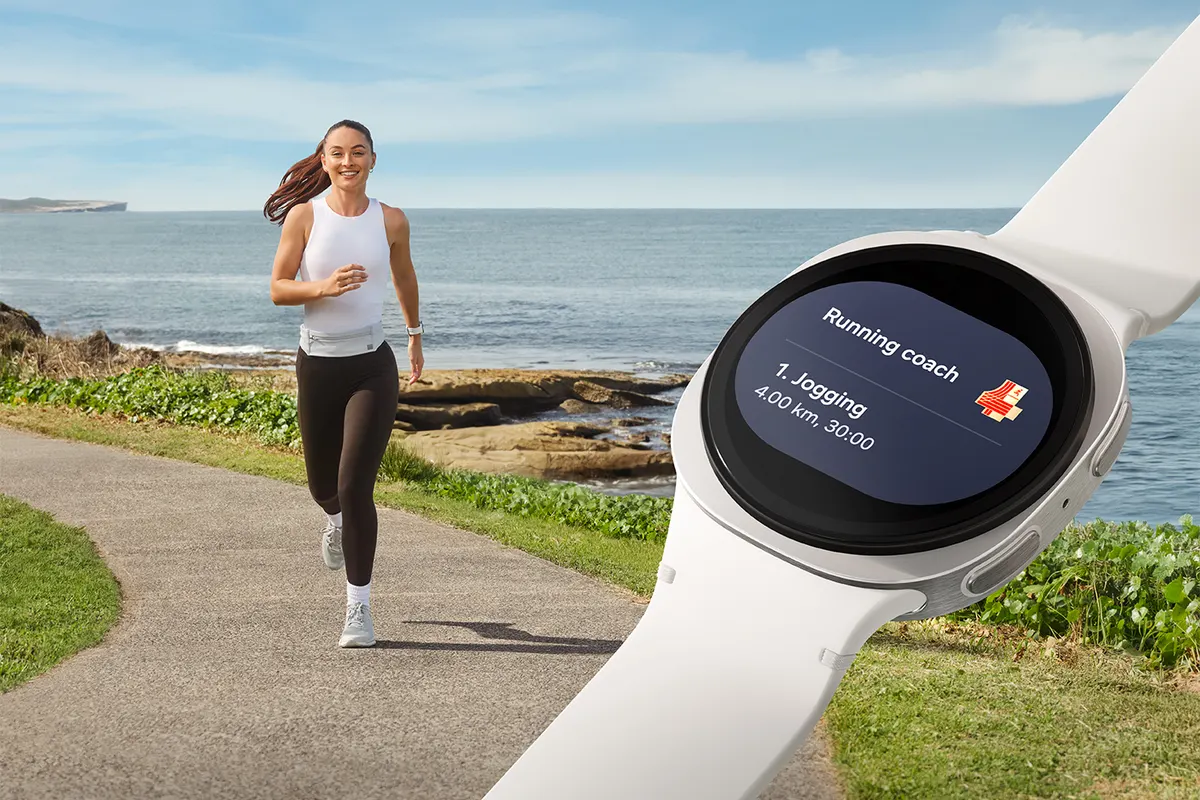
Choose LTE for the time without your phone
Choose a Bluetooth Galaxy Watch if you normally carry your phone. Consider LTE if you regularly leave it behind and want calls or data where there is no usable Wi-Fi. Samsung requires a qualifying watch plan for cellular service; buying the LTE hardware alone does not activate it (Samsung’s LTE requirements).
Think about a specific outing: a run without pockets, an errand, or a work shift where your phone stays in a locker. If that situation rarely happens, price the Bluetooth model first. If it happens every day, check carrier support before choosing a case color.
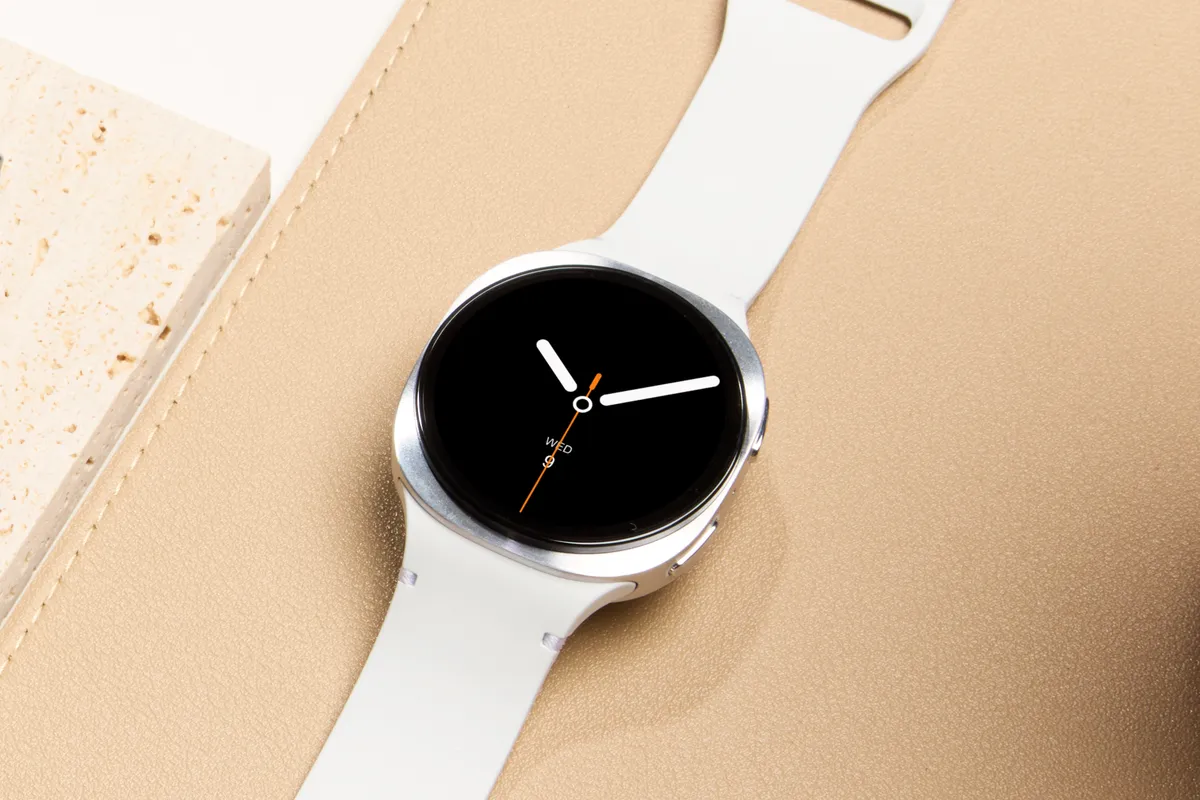
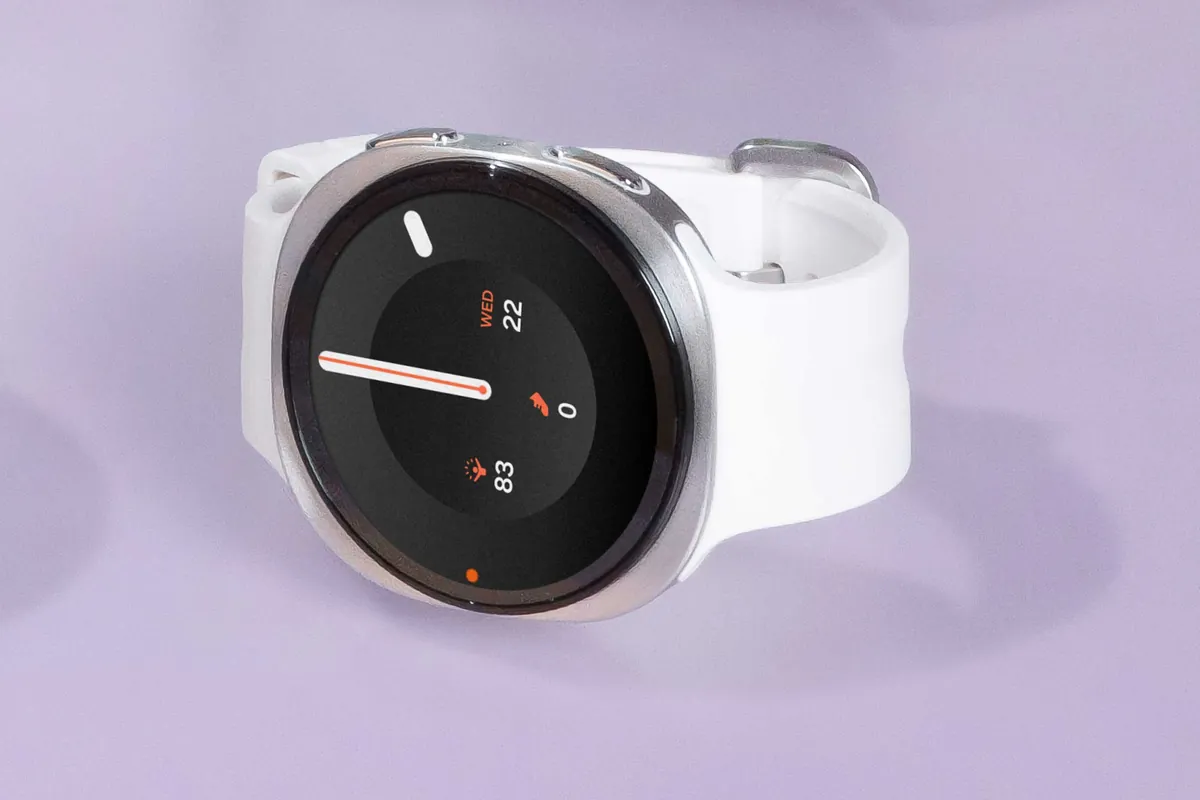
This guide covers the connection decision for Samsung’s Wear OS watches, with the Galaxy Watch9 and Galaxy Watch8 as catalog examples. It uses US carrier instructions and a cost framework you can fill with local quotes. It does not rank watches by sale price or apply older Tizen setup instructions to newer models.
Bluetooth, Wi-Fi, and LTE solve different problems
| Where you use the watch | Connection to plan around | Buying implication |
|---|---|---|
| Phone within Bluetooth range | Bluetooth to the paired phone | Start with the Bluetooth model |
| Phone elsewhere, watch on usable Wi-Fi | Wi-Fi and supported remote features | Check whether this covers your actual use before paying for LTE |
| Phone elsewhere, no usable Wi-Fi | Active watch cellular service, within coverage | LTE is worth investigating |
Bluetooth models can use Remote connection over Wi-Fi, with a Samsung account, to receive supported information from the paired phone. Samsung documents notifications, messages, and email through this connection. That gives a watch another route when Bluetooth disconnects, but requires usable Wi-Fi at the watch’s location (Samsung Remote connection guide).
A familiar home network and a route through town are different situations. Don’t assume the Wi-Fi you have at your desk follows you outside. Equally, don’t pay for cellular service solely because your phone sometimes sits in another room.
LTE also does not replace Bluetooth or Wi-Fi: Samsung lists all three connections for the Watch9 family (official connectivity table). Choose by the connection you need when the phone is absent, rather than treating the labels as mutually exclusive technologies.
Away from your phone does not mean independent of it
Samsung says activated LTE watches can handle calls, messages, streaming, and navigation without the phone nearby. Its footnote adds two limits: standalone calling depends on the carrier and area, and functionality is limited when the paired phone is powered off or disconnected from a wireless network (Samsung’s LTE explanation and footnote 1).
If your plan is to leave the phone charging at home, this distinction matters less than if you want to switch it off for the day. Ask the carrier which calls, texts, and app notifications work in each situation. Check the particular messaging app you depend on before making a watch your only connection during a shift.
Setup is a separate requirement. Samsung’s current Canada instructions say Wear OS Galaxy Watches need a compatible phone for initial setup, even though LTE versions can later connect away from it. The page distinguishes these from older watches that permit phone-free setup (Samsung setup guidance).
For Watch9 specifically, Samsung lists Android 13 or later, more than 1.5 GB of memory, and Google Mobile Services for activation. A cellular plan does not remove those requirements (Watch9 compatibility notes).
Check the exact watch with your carrier
Get the model identifier from the listing before buying an imported or used watch. For example, Samsung’s US listing identifies the 44 mm Watch9 LTE as SM-L355U; that is a specific regional model, not a guarantee that every Watch9 activates on your network (Samsung US listing). Our device pages separate regional configurations so you can check the one being sold.
Give the carrier the model number and ask:
- Does this exact regional watch qualify on my existing phone plan?
- Will calls use my phone number, and what happens when the phone is off?
- Which texts and app notifications still reach the watch?
- What are the activation charge, recurring charge, taxes, and cancellation terms?
- Does watch service work in the countries I visit, under this particular plan?
Samsung’s US activation guide describes a compatible carrier plan and setup through Galaxy Wearable > Watch settings > Mobile plans. Activation problems may require the watch’s EID, IMEI, or ICCID, found under its device information (Samsung activation guidance).
For travel, a roaming switch is only a setting. Samsung directs owners to the carrier for network support, so verify roaming eligibility rather than assuming that switch confirms service abroad (mobile network guidance).
Compare the full cost in one market
Compare the same generation, case size, band bundle, condition, and purchase terms. Use checkout prices from the same market and currency; a trade-in offer and an outright purchase are different price bases.
Write down:
Extra cost of LTE = LTE watch price minus Bluetooth watch price + activation fees + watch service over your ownership period.
Include taxes and discounts only as your quote specifies them. If your carrier bundles watch service, confirm that your phone plan and the exact watch qualify before entering a zero recurring charge. Repeat the calculation if the bundle requires changing your phone plan.
You can leave the mobile network turned off, but that does not cancel billing: Samsung explicitly says disabling it leaves the service subscription unaffected (Samsung battery and connection guidance). Contact the carrier to change or cancel service.
Plan battery use around the route
Samsung warns that searching for networks or connecting with a weak signal can consume substantial battery power. That makes coverage along your usual route relevant to the connection decision, alongside your charging routine (Samsung battery guidance).
There is no supported percentage penalty to apply to every LTE watch. Do not subtract an invented number of hours from a Bluetooth runtime estimate. For Watch9, the launch specification table gives battery capacity, without a runtime figure that would establish how long your own cellular outing lasts (Samsung specifications).
Choose Bluetooth when your phone already accompanies the activities you care about. Choose LTE when a recurring phone-free outing, confirmed carrier support, and an acceptable ongoing cost line up. If the actual question is case size or outdoor hardware, our Watch9 and Watch Ultra2 guide covers that separate decision.
Sources
- news.samsung.com · checked Samsung US Newsroom: LTE uses, qualifying plans, and phone-online limitations
- samsung.com · checked Samsung US: LTE activation and device identifiers
- samsung.com · checked Samsung US: Remote connection over Wi-Fi
- samsung.com · checked Samsung Canada: initial setup requirements for Wear OS watches
- news.samsung.com · checked Samsung Global Newsroom: Watch9 connectivity and phone compatibility
- samsung.com · checked Samsung US: Galaxy Watch9 44 mm LTE model SM-L355U
- samsung.com · checked Samsung US: managing mobile networks and roaming
- samsung.com · checked Samsung New Zealand: network-related battery drain and subscription behavior
- news.samsung.com · checked Samsung Newsroom Global Media Library: site-wide media publishing permission