Why your Galaxy stops charging at 80%
If your Galaxy repeatedly stops at the same percentage, check Settings > Battery > Battery protection. A charge limit may be doing exactly what you asked it to do.
On supported phones with One UI 7 or later, choose Maximum and use the slider to select 80%, 85%, 90%, or 95%. Samsung documents the route in its charge-limit instructions and the available limits in its current mode guide.
The menu varies by model, software, and country. If yours looks different, check the One UI version at Settings > About phone > Software information (Samsung’s version instructions).
Match the instructions to your software
| Interface | Charge-limit options described by Samsung |
|---|---|
| Protect battery before One UI 6.1, where available | Fixed 85% limit |
| One UI 6.1 Battery protection | Basic, Adaptive, and Maximum with a fixed 80% limit |
| One UI 7 onward, on supported devices | Maximum with selectable 80%, 85%, 90%, and 95% limits |
Samsung’s One UI 6.1 page describes the older fixed limit; its newer guide covers the selectable limits. A missing slider doesn’t, by itself, mean your charging hardware is faulty.
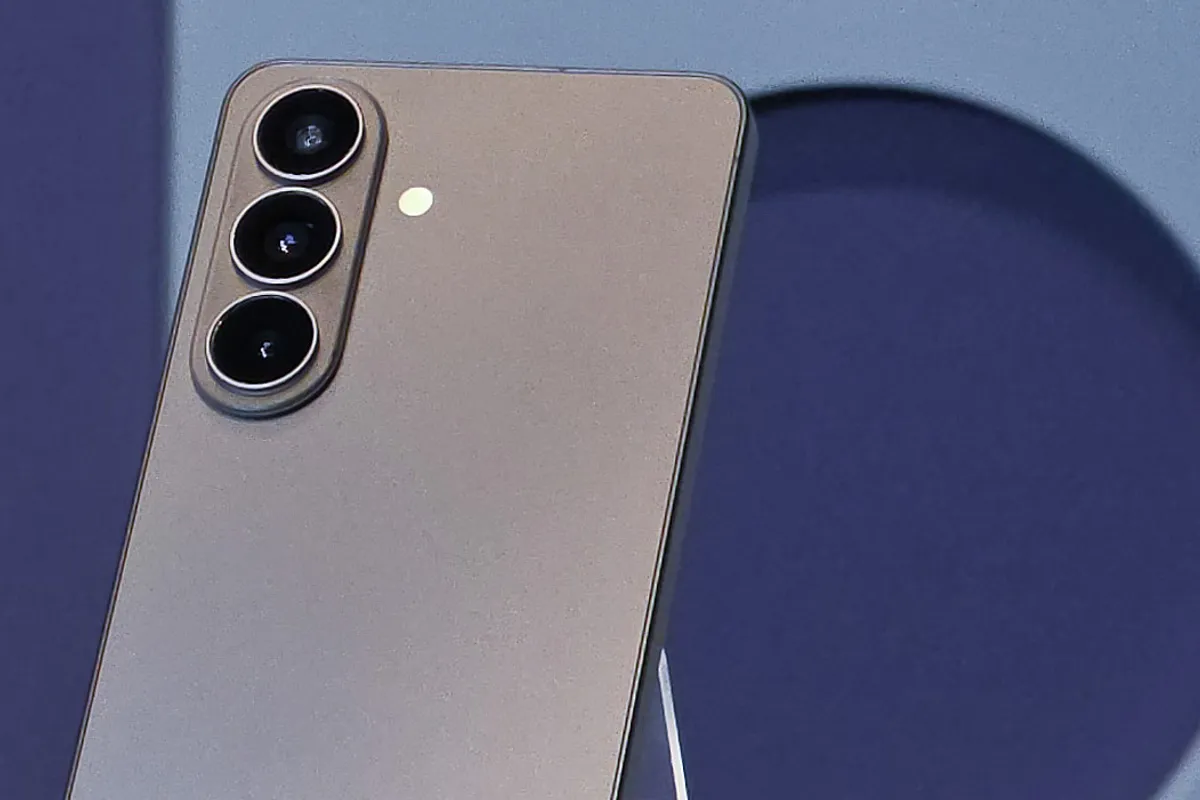
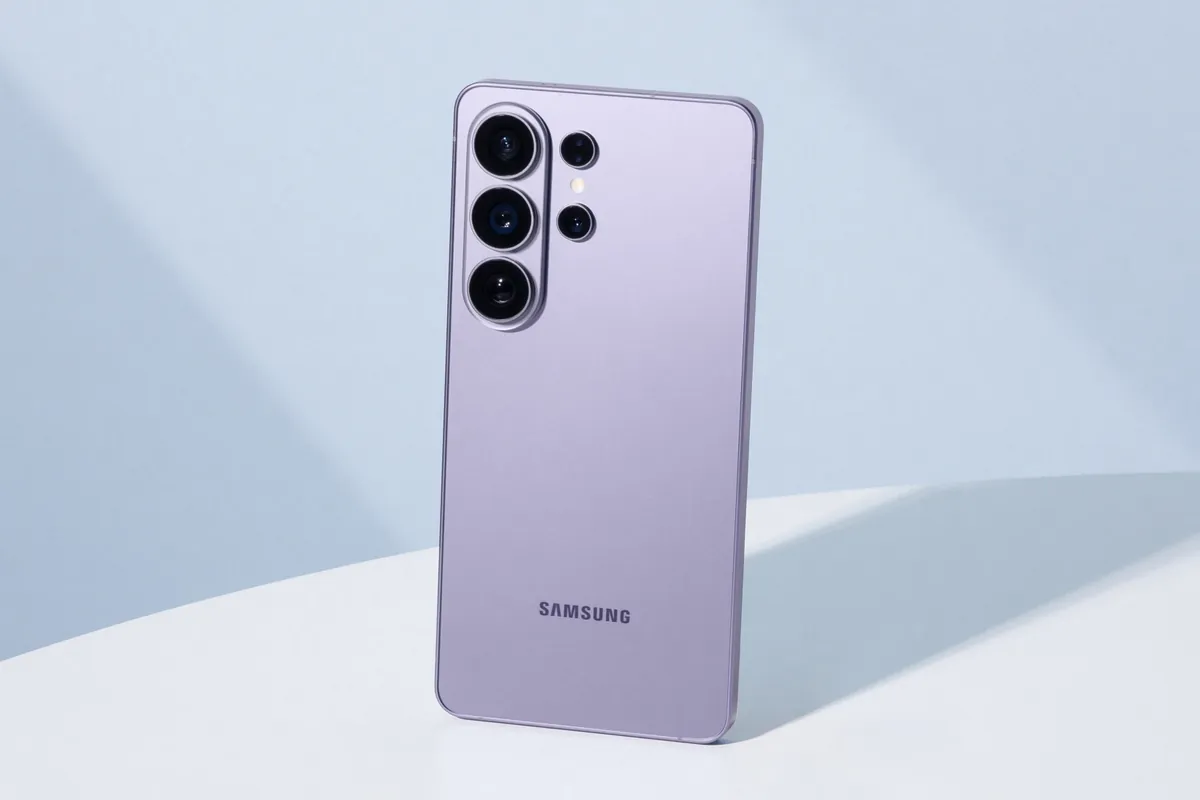
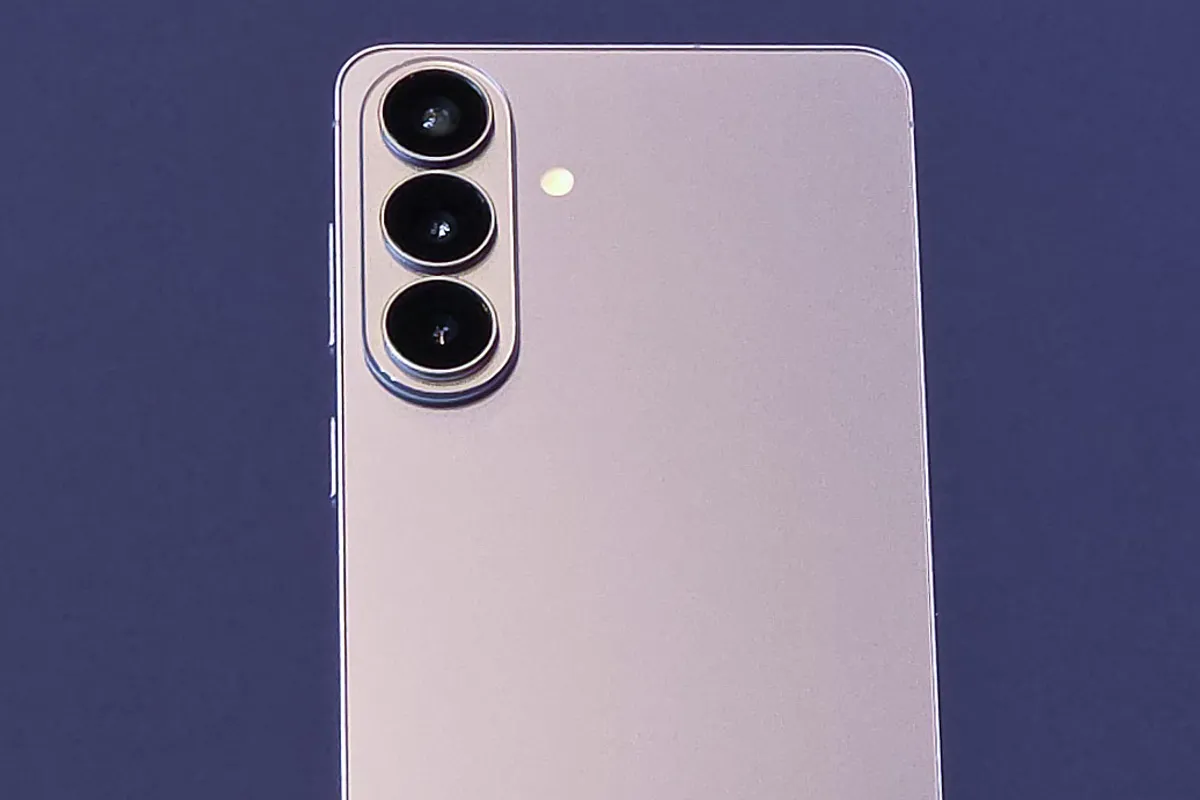
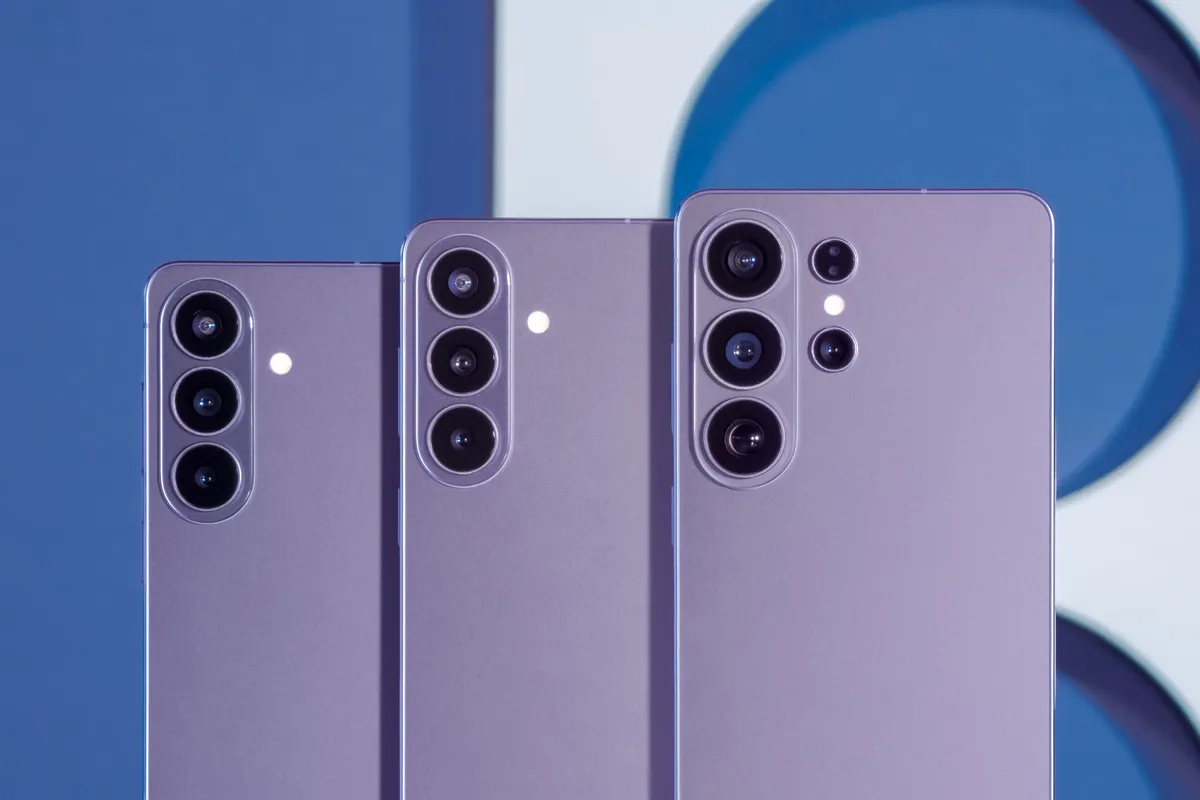
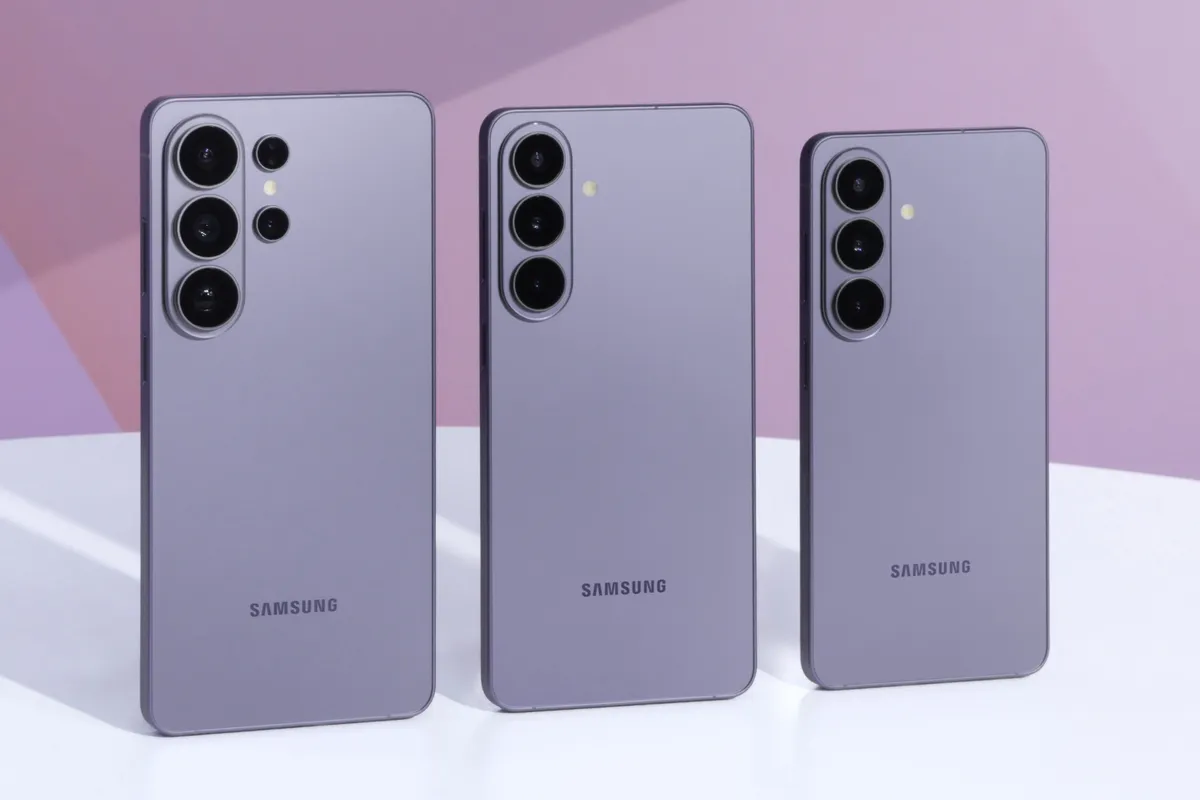
The Galaxy S26, S26+, and S26 Ultra launched with Android 16 and One UI 8.5 (Samsung specifications). For an older phone, follow the menu on its installed software rather than copying an S26 screen. These steps apply to Samsung’s menu, not other Android brands.
Pick a limit you can live with
Start with an ordinary day. Set a limit, use the phone as usual, and check the charge left when you next reach a reliable outlet. If it leaves too little for navigation, calls, or an unexpected delay, raise the limit.
An 80% ceiling can be easier to live with at a desk than during a full shift away from power. There is no need to make every day fit the same setting.
Samsung says reducing prolonged time at full charge can reduce battery wear. Its guidance doesn’t promise a specific number of extra years, so choose a limit that leaves the reserve you need.
Basic and overnight modes work differently
Basic charges to 100%, then lets the battery fall to 95% before charging again. On the One UI 6.1 interface, Adaptive uses Maximum during sleep and switches to Basic before waking (older mode descriptions).
Current guidance calls the overnight option Sleep time protection. It holds near 80% while you sleep and aims for 100% before you wake. Samsung says learning generally takes about two weeks, needs Customization Service consent and related permissions, and may not work well with irregular sleep (current sleep-mode conditions). If your schedule changes often, a fixed ceiling may be easier to plan around.
Need a full charge for a trip?
Turn off Battery protection in Settings > Battery, then connect your charger. Note the old setting so you can restore it afterward (Samsung’s instructions).
If charging passes the old limit, that setting explains the stop. If it still stalls, check for another problem.
When the limit isn’t the problem
A phone set to 80% can normally sit at 79%. Samsung says charging may restart after roughly a two-point drop, with behavior varying by device (mode guide).
For charging that stops well below the limit, repeated disconnections, or a warning, follow Samsung’s troubleshooting:
- Let an unusually hot phone cool; heat can slow or pause charging.
- Check the connections and inspect the cable and charger for damage. Try known-good Samsung accessories designed for the device.
- If there is a moisture warning, wait until the port is dry before charging.
- Contact Samsung support for an inspection if charging still fails.
Changing a charge limit won’t restore lost battery capacity or fix damaged hardware. If replacement is your next step, our Galaxy S26 buying guide covers the differences between those phones.
Sources
- samsung.com · checked Samsung Canada: set a maximum charge level
- samsung.com · checked Samsung Canada: Battery protection modes, limits, and normal behavior
- samsung.com · checked Samsung UK: Battery protection on One UI 6.1 and earlier versions
- samsung.com · checked Samsung Canada: check the installed One UI version
- news.samsung.com · checked Samsung Global Newsroom: Galaxy S26 series launch software
- samsung.com · checked Samsung US: charging stops at the protection limit
- samsung.com · checked Samsung Singapore: charging, temperature, accessory, and moisture checks
- news.samsung.com · checked Samsung Newsroom Global Media Library: Galaxy S26 lineup and publishing terms