Try the job your laptop makes possible
Before buying a tablet to replace a laptop, take the file you work on every week and ask whether you can finish it in an Android app or browser. Reading it is only the first step. Editing, exporting, uploading, and reopening the result all have to work too.
Samsung DeX gives you a desktop-style workspace, but it doesn’t turn Android apps into their desktop versions. Email, writing, documents, and notes are sensible places to start. The deciding task is the one you can’t afford to lose.
This guide uses the Galaxy Tab S11 and S11 Ultra on Android 16 with One UI 8. Samsung supports DeX on their own screens and on connected displays (compatibility guide). The S12 series has since been announced, so compare local offers across the current range when shopping.
What DeX gives you on the tablet
Samsung describes movable app windows and up to four desktops for separating work on the Tab S11. You can use that workspace on the tablet itself; an external monitor isn’t required (workspace instructions).
With a monitor, Extended Mode lets you use both screens and move apps between them. Samsung warns that some apps may restart during a display change and may not save automatically. Save your document before moving it (S11 announcement).
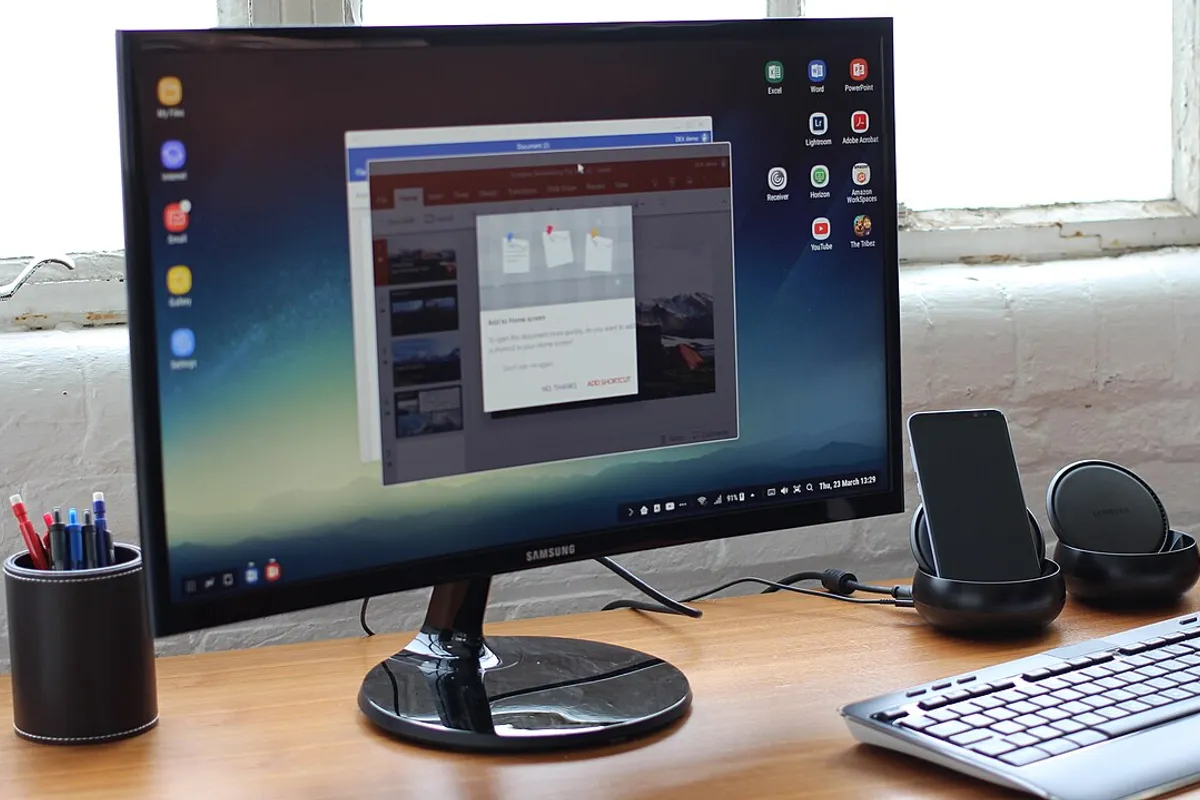
The hero photo shows an older phone-and-monitor DeX setup, not today’s tablet interface. It’s Maurizio Pesce’s photo, used under CC BY 2.0.
One missing feature can decide it
Excel is a useful example. Microsoft says Excel for Android can open and edit macro-enabled workbooks, but VBA functions won’t run. If your spreadsheet needs a macro to produce the finished result, opening the file on a tablet isn’t enough (Microsoft’s file-format guidance).
Make the same check for the rest of your work:
| What you depend on | What to try |
|---|---|
| A document or spreadsheet | Edit a real file, export it, and reopen it on the receiving system |
| A work portal | Sign in, upload, download, and check your organization’s device rules |
| A printer or specialist accessory | Confirm the exact model’s Android connection and support |
| Working offline | Finish a task without internet, then check how it syncs |
For managed work accounts, ask your IT team before buying. A personal tablet may not meet the organization’s access requirements.
Choose a screen for where you’ll work
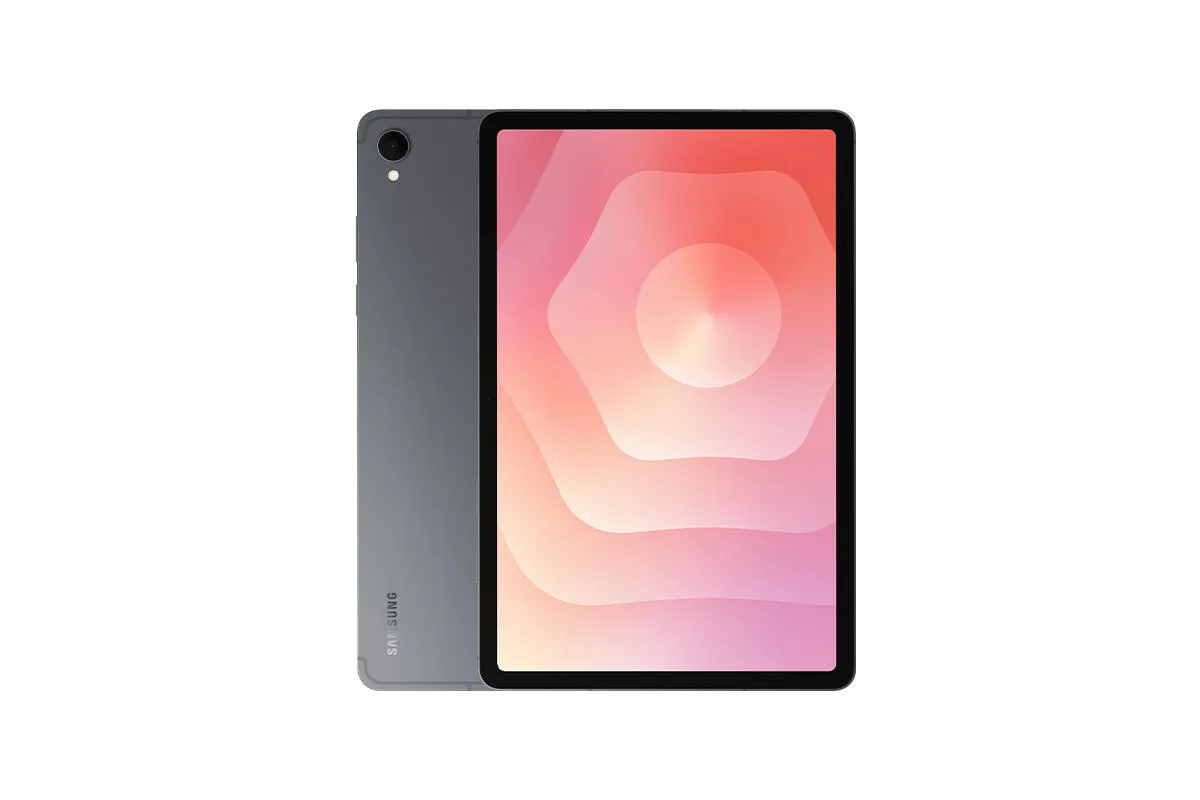
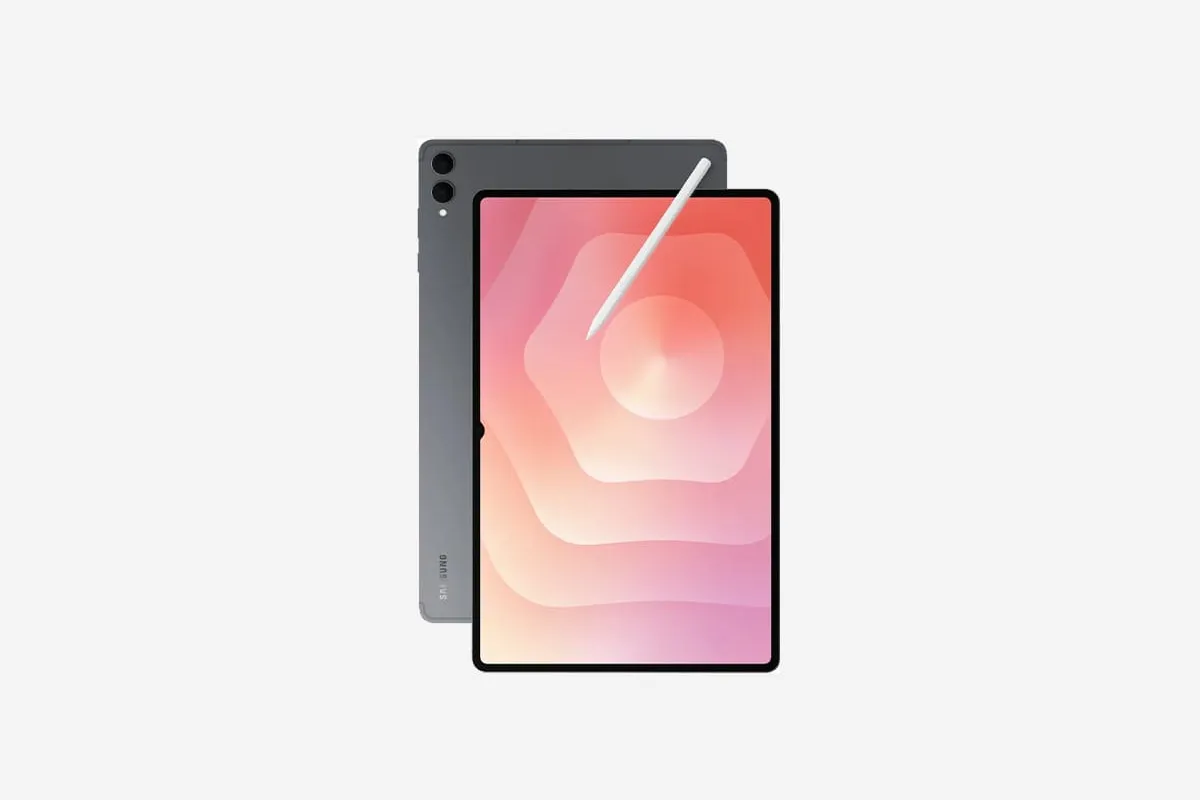
The Wi-Fi S11 weighs 469 g and has an 11-inch screen. The Ultra has a 14.6-inch screen and weighs 692 g: 223 g more before a keyboard or cover. Both include an S Pen (Samsung specifications).
The smaller S11 is worth considering if you carry it often and have a monitor at your main desk. The Ultra gives you more room for documents beside notes when you’re working on its own screen. Either choice still needs the right apps.
Add up more than the tablet price
US launch prices were $799.99 for S11 and $1,199.99 for Ultra. Samsung lists keyboard covers as accessories and says the 45W adapter and 5A cable are sold separately (US launch details). Those launch figures are reference points; use current local offers for your budget.
Include the keyboard, mouse, stand or cover, charging equipment, monitor connection, and paid apps you need. Leave out equipment you already own, then compare that total with the laptop you would otherwise buy.
Office licensing deserves a line in that budget. Microsoft limits free core Android editing to screens of 10.1 inches or less; both S11 sizes are larger. Check your subscription and required features (Microsoft 365 mobile conditions).
For a monitor, check the HDMI adapter or Miracast connection. DeX for PC is a separate feature and isn’t supported on One UI 7 or later (Samsung connection guide).
Finish one session before committing
On a borrowed device, your existing Galaxy, or a permitted store demonstration, try a complete piece of work. Retrieve the file from its normal location, make the edits, switch between the apps you need, and submit or print the result. Finally, reopen it where someone else will use it.
An older device can reveal app limitations, even if its DeX layout differs. If the essential step fails, keep access to the laptop. A tablet can still be useful for notes and reading without taking over the whole job.
Sources
- samsung.com · checked Samsung Support: DeX compatibility, connections, and tablet interface
- samsung.com · checked Samsung Support: standalone DeX and workspaces on Android 16 with One UI 8
- news.samsung.com · checked Samsung Global Newsroom: Galaxy Tab S11 specifications and DeX display modes
- news.samsung.com · checked Samsung US Newsroom: Galaxy Tab S11 launch prices and accessory requirements
- support.microsoft.com · checked Microsoft Support: Excel mobile file formats and VBA restrictions
- support.microsoft.com · checked Microsoft Support: Microsoft 365 mobile features and Android screen-size conditions
- news.samsung.com · checked Samsung Global Newsroom: Galaxy Tab S12 series announcement