tablets
HONOR
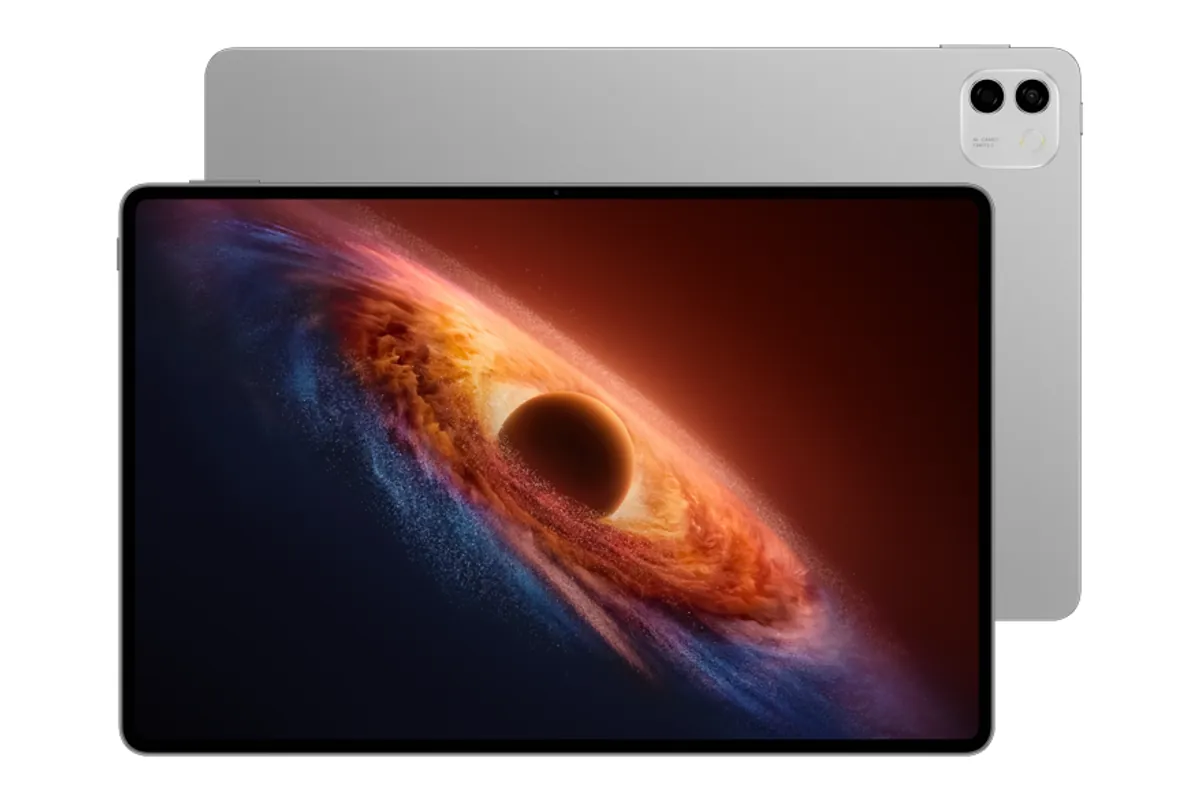
HONOR MagicPad4
- Chipset
- Qualcomm Snapdragon 8 Gen 5
- Display
- 12.3 in
- Refresh
- 165 Hz
- First release date
- Not confirmed
- Version
- International version available
The device library
More room to work, read, and play. Start with size and connectivity.
Variant filters match any listed configuration. Confirm the exact region on the device page. Prices and unconfirmed support policies are omitted.
HONOR
Samsung
Samsung
Samsung
Samsung
Samsung
No devices match. Try fewer filters or reset your search.
Before you compare
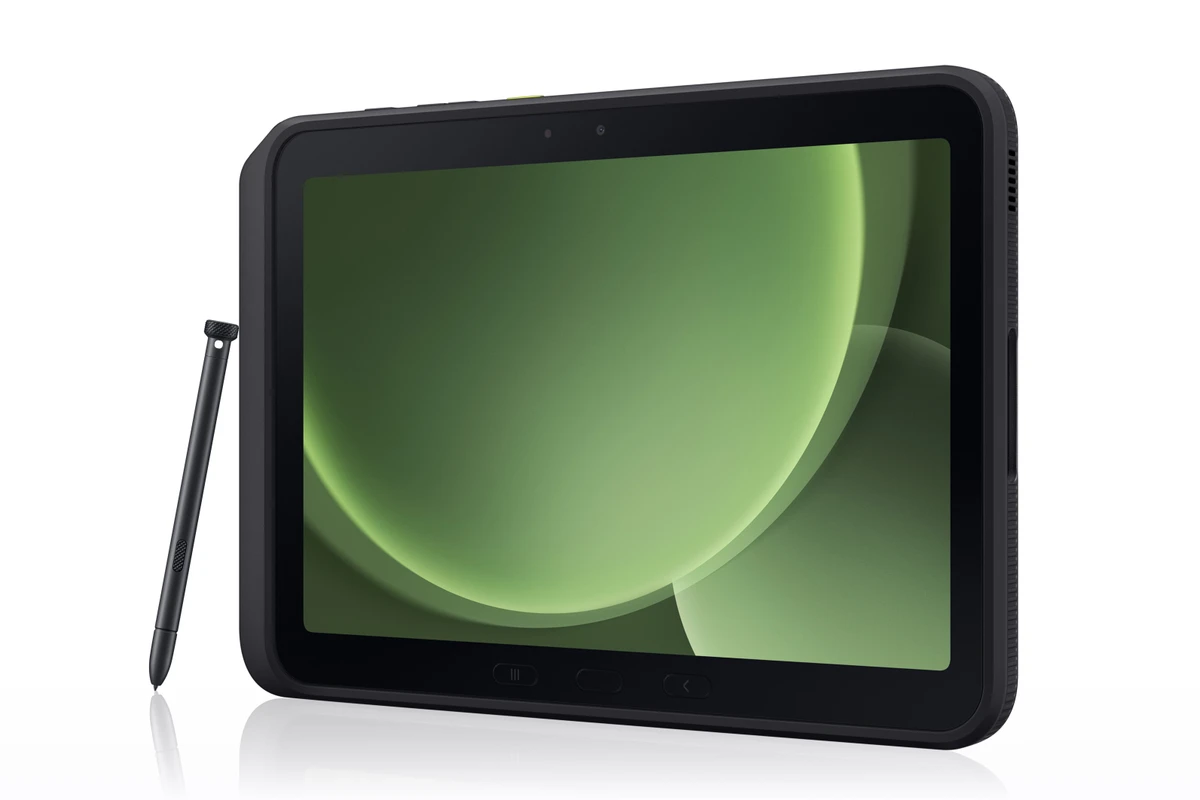
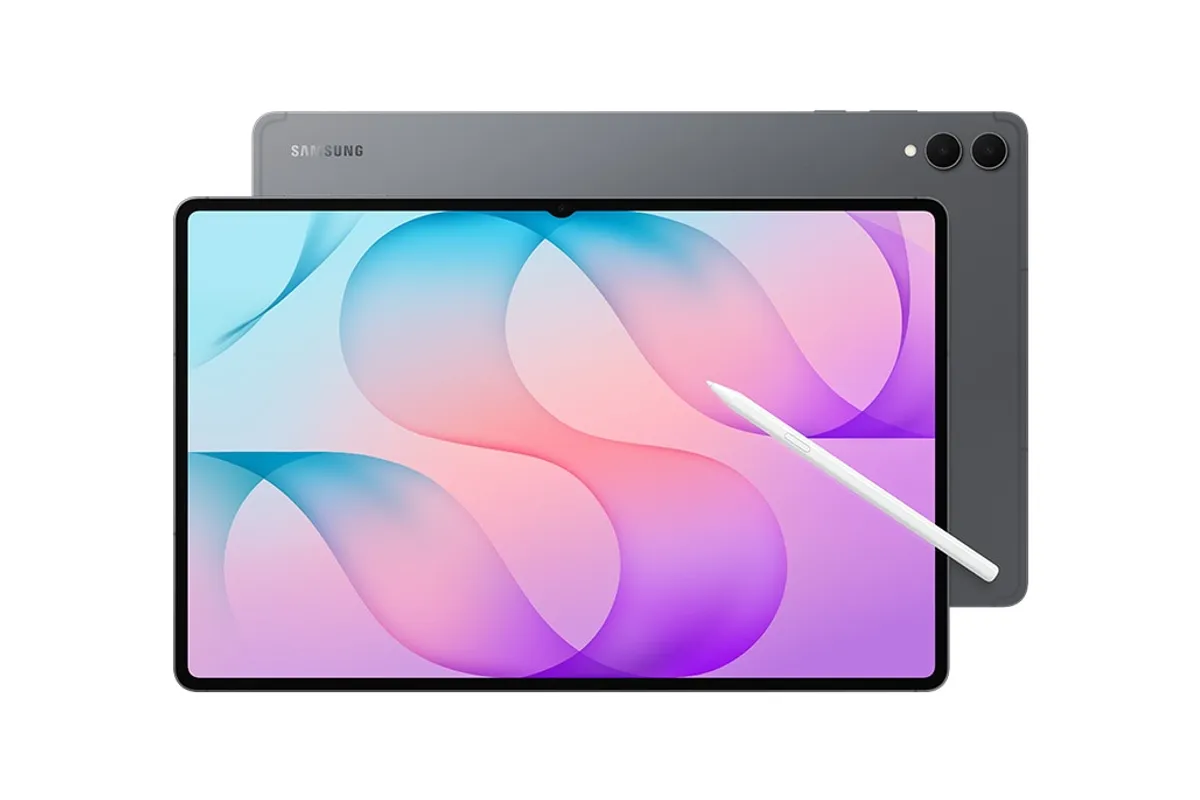
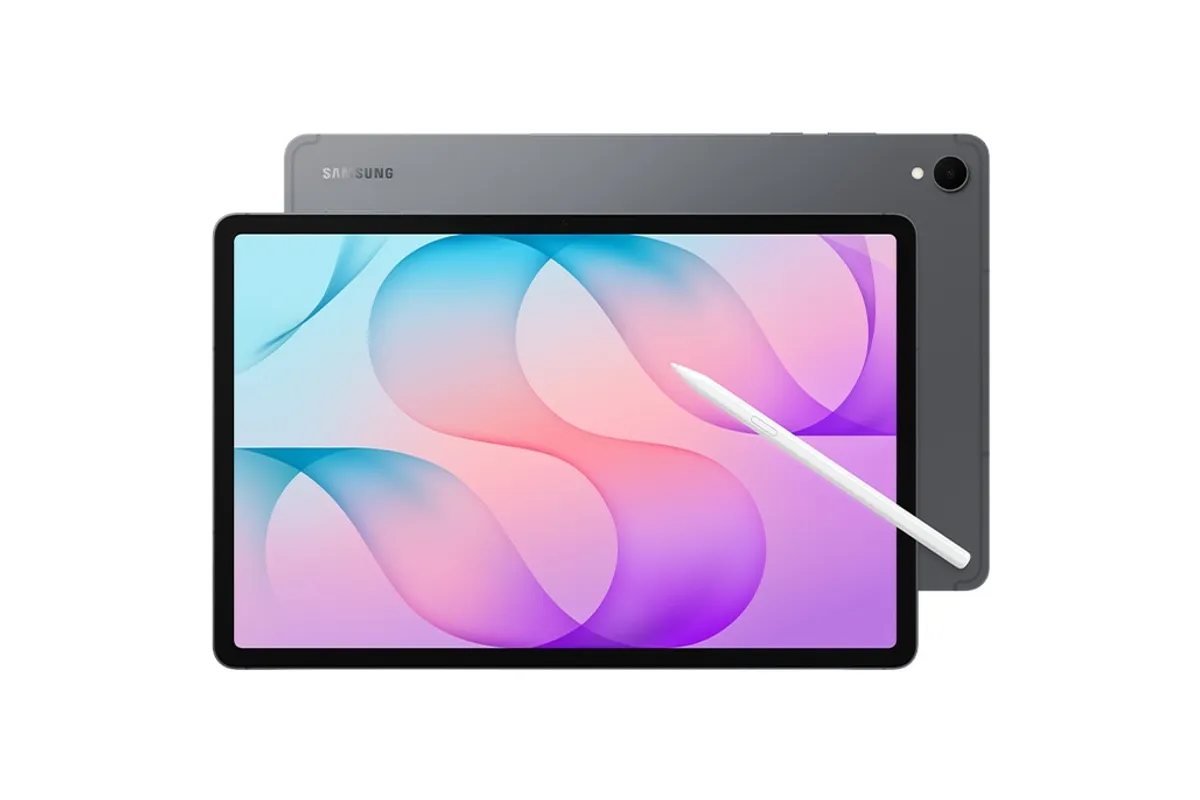
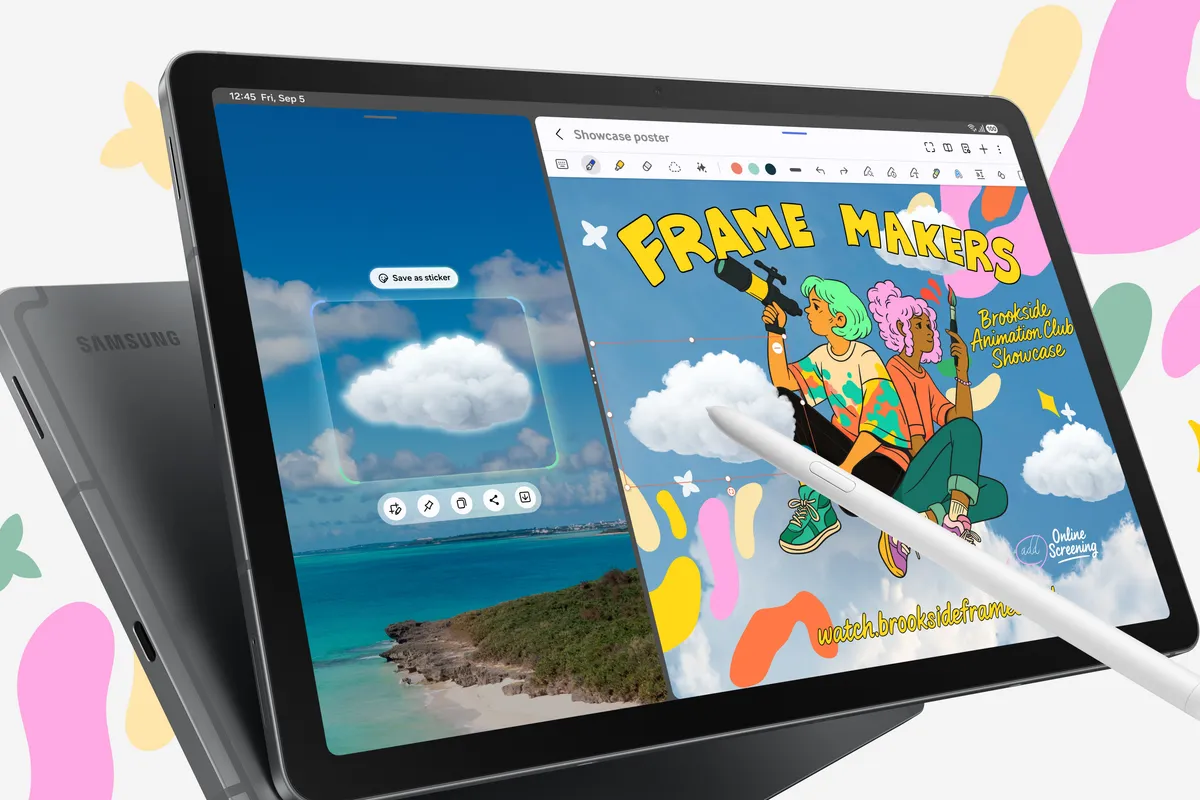
Larger screens suit drawing and side-by-side apps; smaller ones are easier to hold for reading and video in bed or on the move.
Some tablets ship with a stylus and some sell it separately. Features such as remote controls can depend on Bluetooth in the pen.
If the tablet takes a microSD card, the base storage model plus a card is often cheaper than the largest configuration.
Cellular models usually have a different model number and price. You only need one if you work away from Wi-Fi and a phone hotspot.